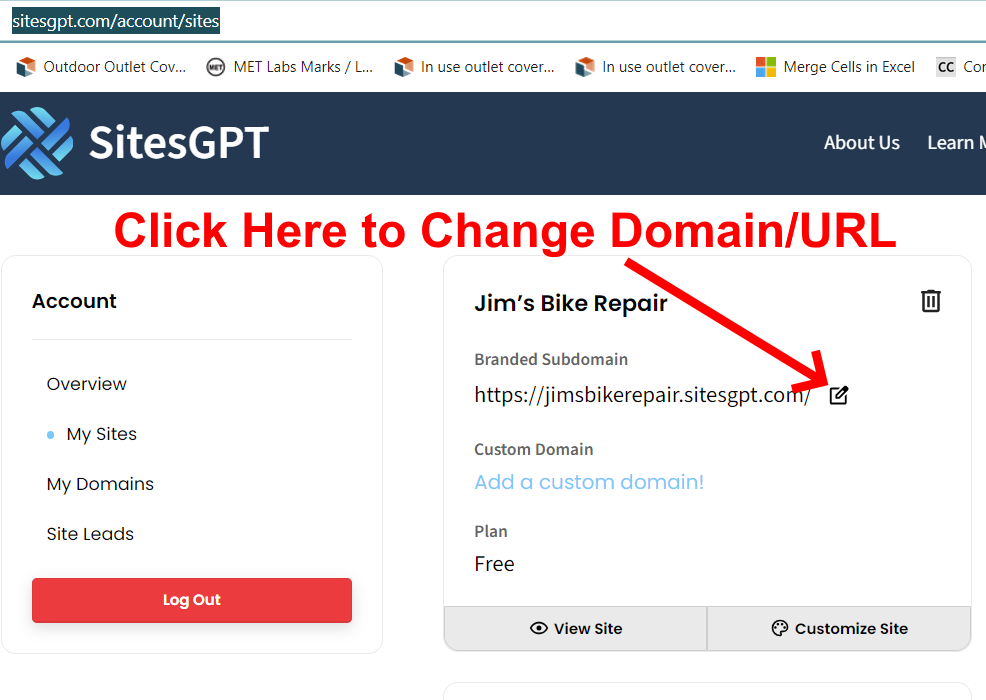
You can change the URL of your website on the “My Sites” page. Be sure you are logged into your free account, and click here:
https://www.sitesgpt.com/account/sites
Then, click the icon on the right of the domain (see attached screenshot.)
Let us know if you have further questions.