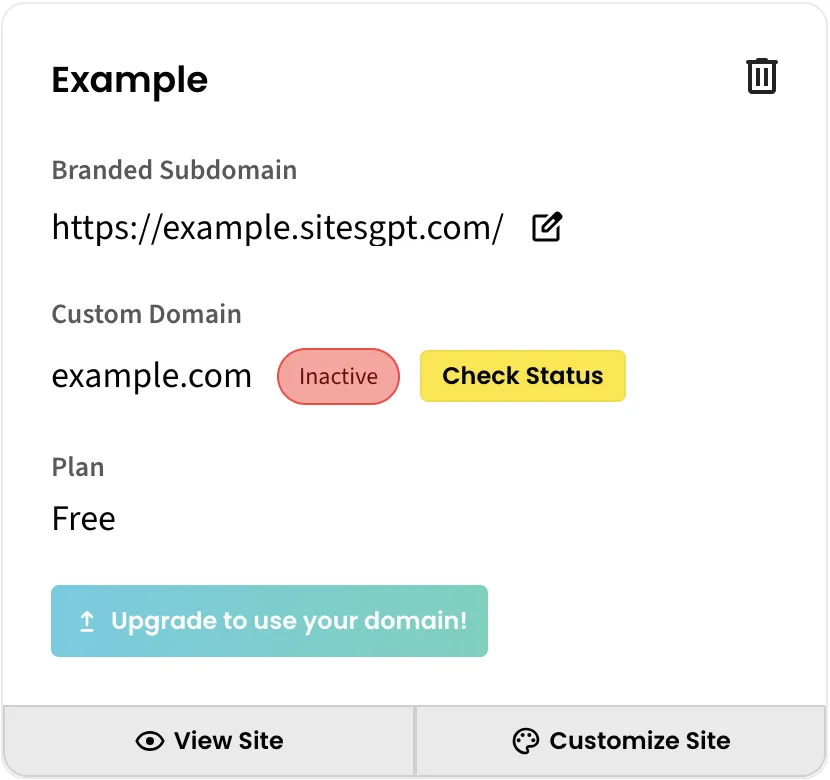
Visit https://www.sitesgpt.com/account/sites
Skip to “Once you have saved your domain” lower in this text if you added a domain already.
Click “Add Custom Domain” in your site section.
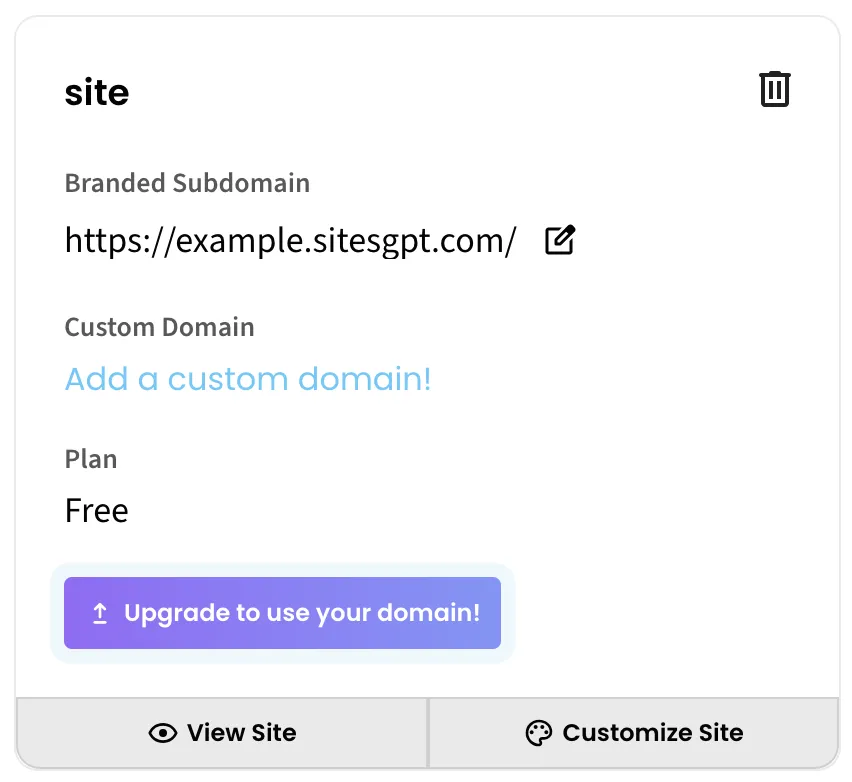
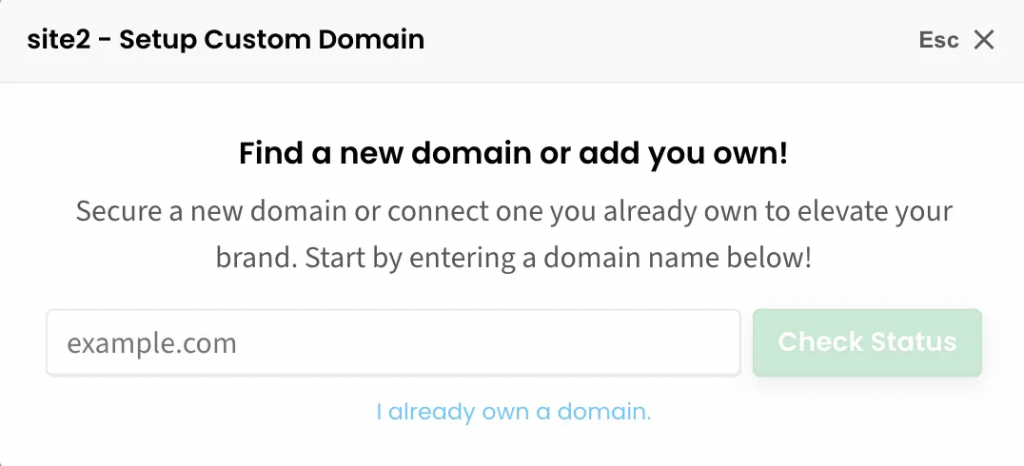
Click “I already own a domain” and proceed.
Once you have saved your domain
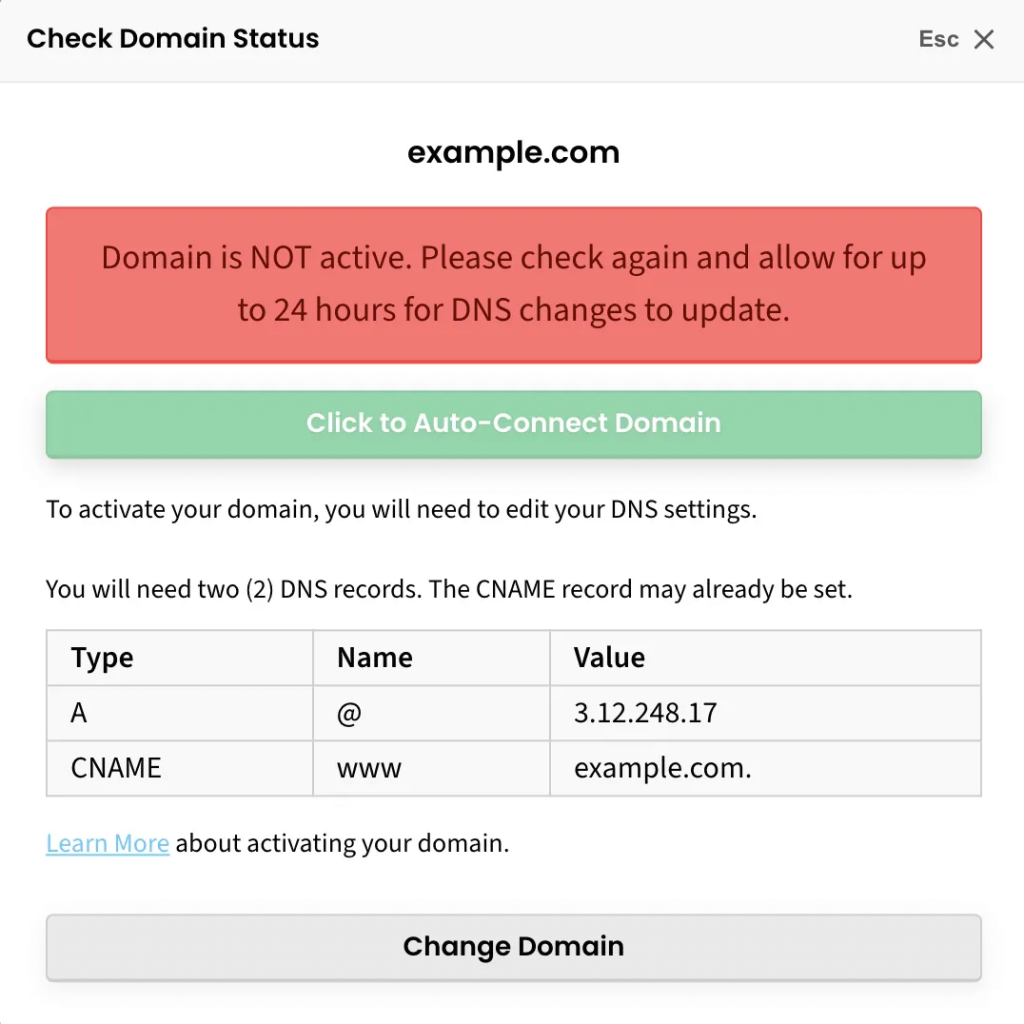
Visit https://www.sitesgpt.com/account/sites, click “Check Status”, and click “Click to Auto-Connect Domain”. The system will prompt you to log into your registrar. Follow the steps. If a verification email is sent to you, you might need to check spam.