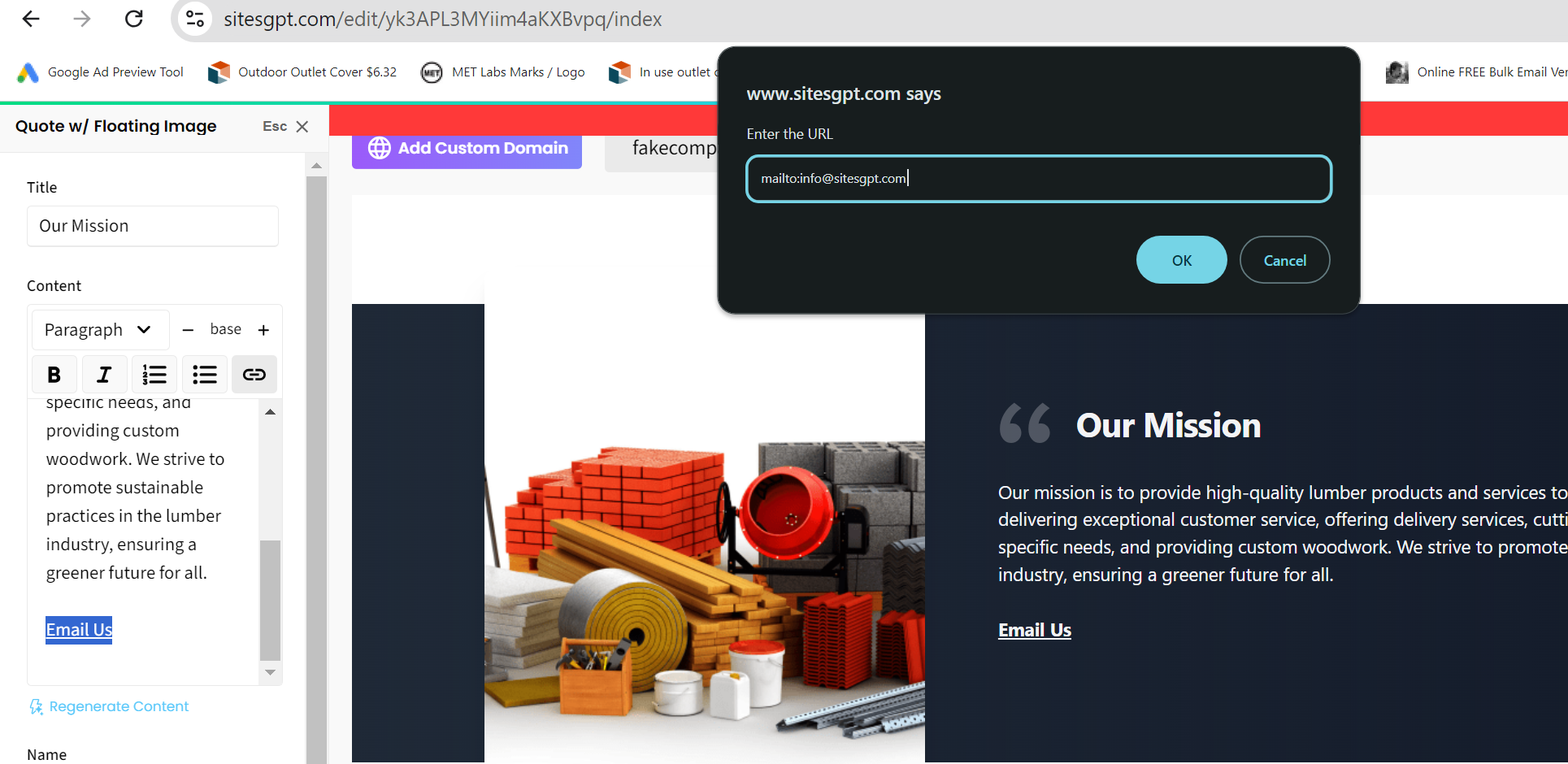
To make a link open in customer’s email app, you need to hyperlink the text you’re displaying by highlighting the text and clicking the link icon. Then, you specify the following as the hyperlink: mailto:name@example.com
In the example, the email address for the text link would be name@example.com. Just use the code (“mailto:”) followed by the email address you want the customer to send email to (without spaces.) See attached screenshot for example.
Please let us know if you have any other questions or concerns.