Yes, you can add new pages to each separate website.
Just click the “New Page” button in header bar, specify page name and brief description, and AI will build the entire page for you. See Screenshot 1.
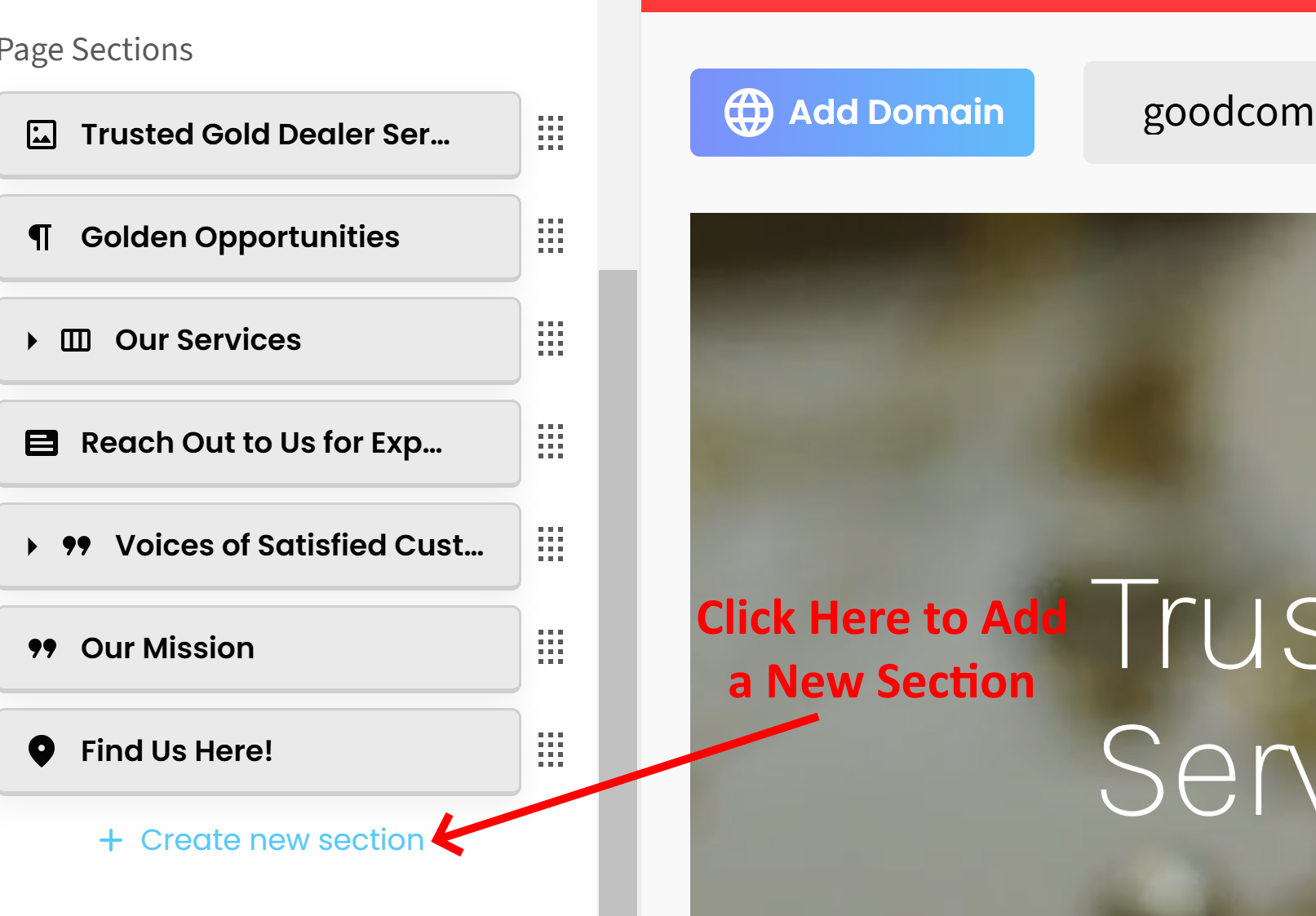
Once the page is generated, you can add more sections to the page by clicking the blue “Create New Section” link in the left sidebar editor and choosing the type of section you want to add. See Screenshot 2.
To move sections up or down the page, just find the button for that section in the left sidebar editor and drag it up or down the sections list to where you want it to be displayed.
Please let us know if you you have any other questions.
*By the way, we have nearly 100 new FREE features and widgets available to enhance your website. Check them out here:
NEW FREE FEATURES, ADD-ONS, AND WIDGETS TO ENHANCE YOUR WEBSITE!
Sign up to be a SitesGPT Affiliate and earn 30% recurring commission from everyone you refer to SitesGPT!
BECOME A SITESGPT AFFILIATE TODAY!